The hardest part of buying a wrap is imagining the result. A wrap is a printed vinyl film applied over your car's paint, and the choice between dozens of colors and finishes is real money. Most buyers commit thousands of dollars to a color they've only seen as a 2-inch sample.
This is the guide we wish every wrap shop handed to every customer before they signed.
The three traditional methods (and why they fail)
Vinyl swatches
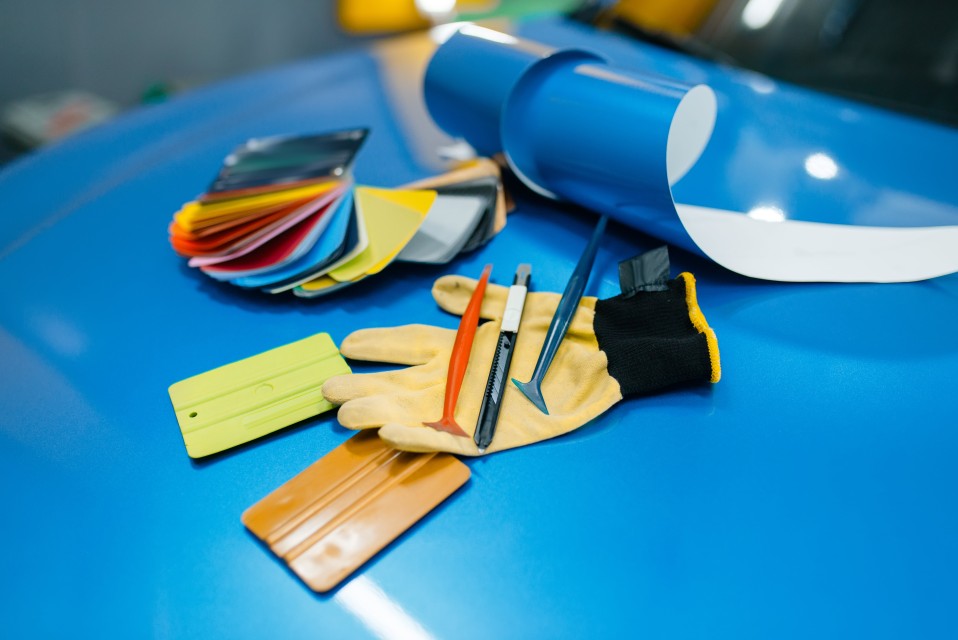
A swatch is a 2-3 inch square sample card the shop pulls out of a binder. It shows the color and finish on a flat piece of vinyl, usually under fluorescent lighting in the shop.
The problem: human visual perception scales colors very poorly. A satin metallic gunmetal that looks “dark and conservative” on a 2-inch chip can read as “deep and dramatic” across a full hood. A color-shift that looks subtle on a swatch can look extreme on a full panel.
A swatch tells you what the vinyl is. It does not tell you what your car will look like wearing it.
Photos of other cars in the same finish
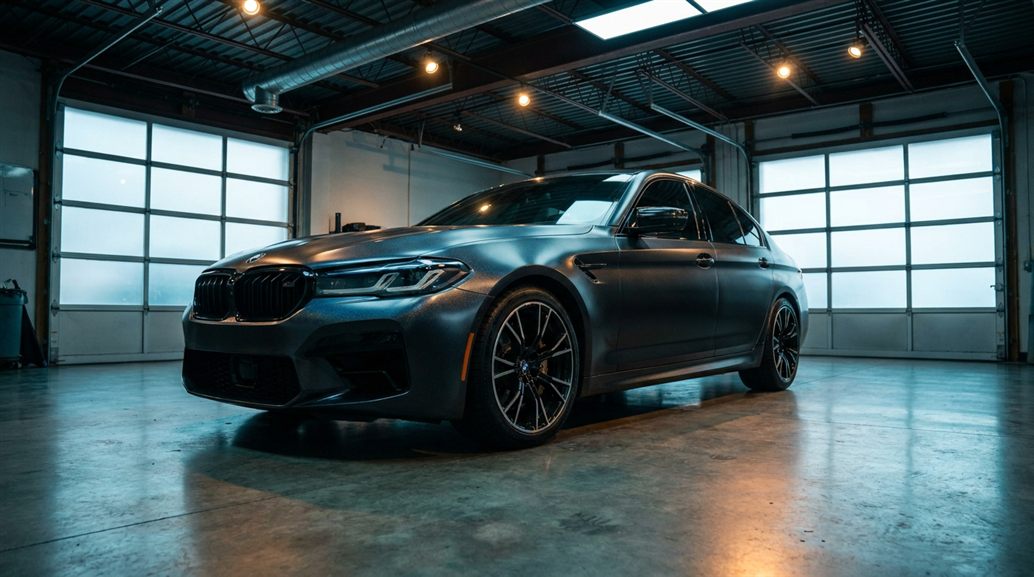
Better than a swatch, but each car has its own shape, its own lighting, and its own camera angle. A Mustang in satin black looks different than a 911 in satin black, which looks different from a G-Wagon in satin black. The eye reads silhouette before it reads color.
Instagram is full of these reference photos. They're a starting point. They are not an answer.
Reference photos help you narrow the choice. They don't tell you which color is right for your car.
Trust the shop's recommendation
Some shop owners are great at this. They've wrapped 200 cars and developed an intuition for what works on each body style. Listen to them.
Some shops are not. They want to close the deal and will tell you anything looks great. Hard to know which kind you're working with on day one.
A good shop's opinion is worth real money. Telling a good shop from a bad one is the harder problem.
The modern method
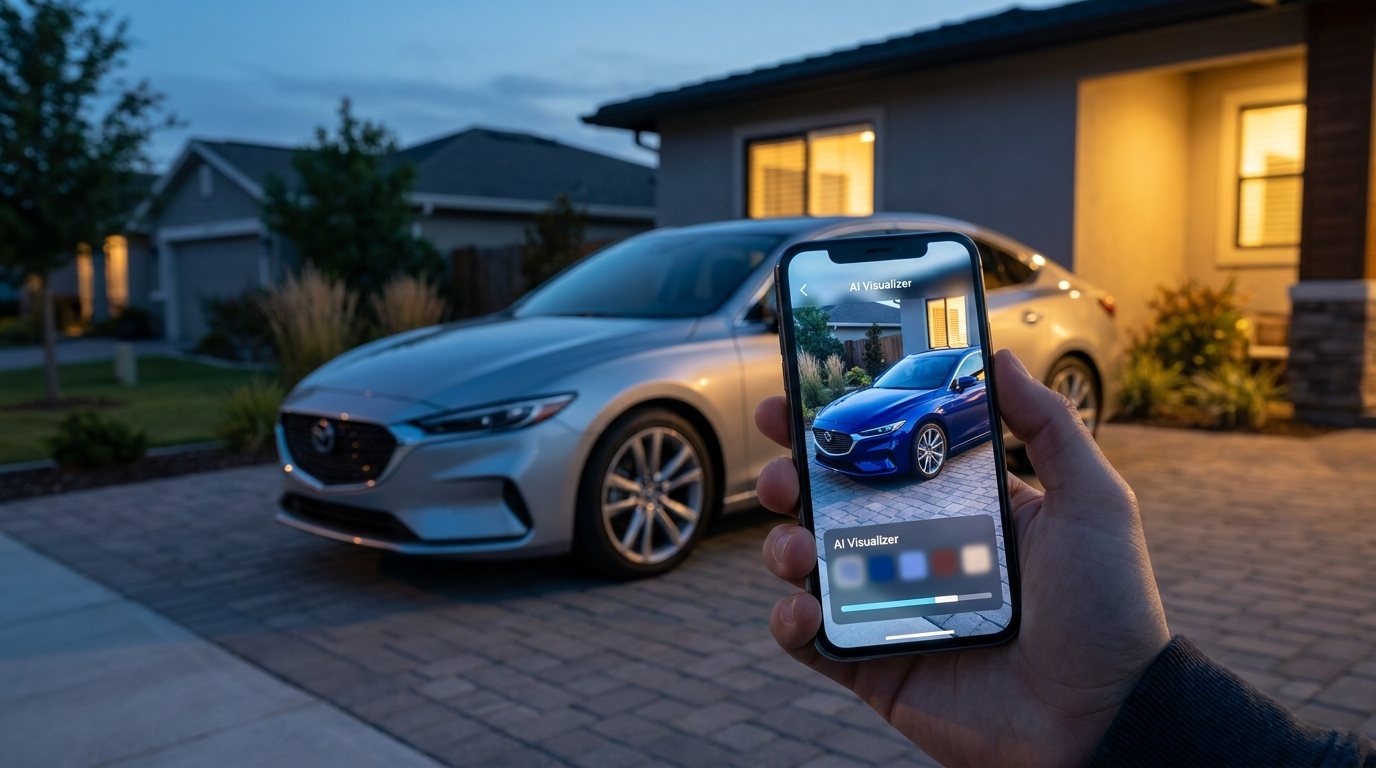
3D visualization software renders your specific vehicle (year, make, model, body style) in the actual finish you're considering. Real lighting, real angles, real surroundings. You see the result before any vinyl gets unrolled.
The tools have gotten dramatically better in the last few years. The early 2010s versions looked like clipart pasted on a photo. The 2026 versions look photoreal enough that customers regularly mistake renders for finished install photos.
How it changes the conversation:
- The customer brings a vague aesthetic preference. The shop builds a render in 30 seconds. The customer sees their car in the candidate finish on the consultation room tablet.
- If the customer hesitates, the shop builds a second option side by side. Same car, different finish. The customer points at the one they prefer.
- The customer takes the render home and shows their partner, who hasn't been to the shop. The conversation is now about the same image, not about descriptions.
- If something looks wrong on screen, the shop changes course before any deposit gets taken. Cost of changing direction on screen: zero. Cost of changing direction on the panel: a four-figure mistake.
The decision moves from imagination to confidence. That's the whole point.
What to expect from a modern visualizer
Not all of these tools are equal. When a shop offers visualization, you should expect:
- Your exact vehicle. Not a stock photo of “a similar car.” Year, trim, body style.
- The actual material catalog the shop carries. 3M, Avery Dennison, KPMF, Inozetek, etc. You should see real product names, not generic “dark blue.”
- Multiple angles. Rotate around the vehicle. A finish that looks great from the front quarter might look weird from above.
- Realistic lighting. Outdoor daylight at minimum. Some tools let you toggle to dusk or interior environments.
- Side-by-side comparisons. Two finishes, same car, same lighting. The eye reads differences much better than absolutes.
- A shareable output. A render image or link you can send to a partner, friend, or your group chat.
If the visualizer your shop is using doesn't do these things, it's a tool from a previous generation. Ask if they have something better.
What the visualizer still won't tell you
To be honest about what we sell: even great 3D visualization isn't a perfect crystal ball. A few things still require in-person judgment.
- The exact texture of a matte or satin finish in your specific climate's light. Different latitudes have different light qualities.
- How the wrap will look after one year of sun exposure. Premium vinyls hold color; cheap ones drift.
- How the install will read at the panel edges. The render shows a perfect wrap; the actual install depends on the technician.
None of these are reasons to skip visualization. They're reasons to combine visualization with a physical material sample (a real chunk of the actual vinyl, not the binder swatch) before you sign.
Render plus material sample plus a real shop conversation. That's the modern way to picture a wrap.
What colors photograph nothing like real life
The colors that surprise customers most when they finally see them in person:
Black
Gloss black photographs almost identically to satin black on a phone camera. In person, they read very differently. Gloss reflects sky and surroundings; satin diffuses them. The visualizer matters more than the photo here.
White
Gloss white photographs blue-tinged in shade. In real life it doesn't. Don't reject white because you saw a Sunday-morning Instagram photo.
Color-shift
Phone cameras can't capture the shift. They lock onto one color. The whole point of color-shift is the shifting, which a still photo cannot show.
Matte metallics
Dramatically more vivid in person than in any photo. The metallic flake catches direct light and disappears in shade. Photos capture one or the other; the eye sees both.
Brushed and carbon
The directional texture is invisible at most camera angles. In person it reads as a major design feature; in photos it looks like flat color.
If you reject a color based on someone else's phone photo, you might be rejecting the right color.
Questions to ask the shop about visualization
- Do you have a visualizer that shows my exact vehicle?
- Can you build me a render in the consultation and send it to my phone?
- Can you do two finishes side by side?
- Can I take the render home to share with my partner / friend / dad before deciding?
- If I want to switch finishes before deposit, what's the process?
A shop that says yes to all five is using a real tool. A shop that says “we'll send you a photo of a similar car” is doing 2012's version of the job.
The two-step that closes most uncertainty
If you remember nothing else from this post:
- See your specific car rendered in the candidate finish. Side by side with one alternative.
- Hold a real physical sample of the chosen vinyl in your hand before signing.
That sequence catches almost every “wait, that's not what I expected” moment before money changes hands. The shop using Zeno can do step one in 30 seconds. The shop carrying premium vinyls can do step two from the catalog drawer. Together they turn a four-figure guess into a four-figure decision.
Most regret happens in the gap between imagination and reality. Visualization is how you close the gap.