A friend opens a wrap shop next week and asks what software you'd put on the company laptop. That list has gotten longer and smarter over the last three years, and the wrong answer (or no answer) costs the shop ten to fifteen hours a week, every week. The shops that pick the right tools look more professional doing the same work.
This is the version of the list I'd send that friend. “Tech stack” just means the bundle of software the shop uses day to day, if the term is new.
The five-layer stack
Every working wrap shop runs roughly the same shape of toolset, organized into five layers:
- Sales (CRM + configurator + quoting)
- Operations (scheduling + work orders + spec sheets)
- Production (cutting software + plotter + design)
- Finance (invoicing + accounting + payments)
- Marketing (website + social + reviews)
You don't need a separate tool in every box. Some great tools cover two or three. The mistake is leaving a box empty.
Layer 1: Sales
The configurator (3D visualizer)
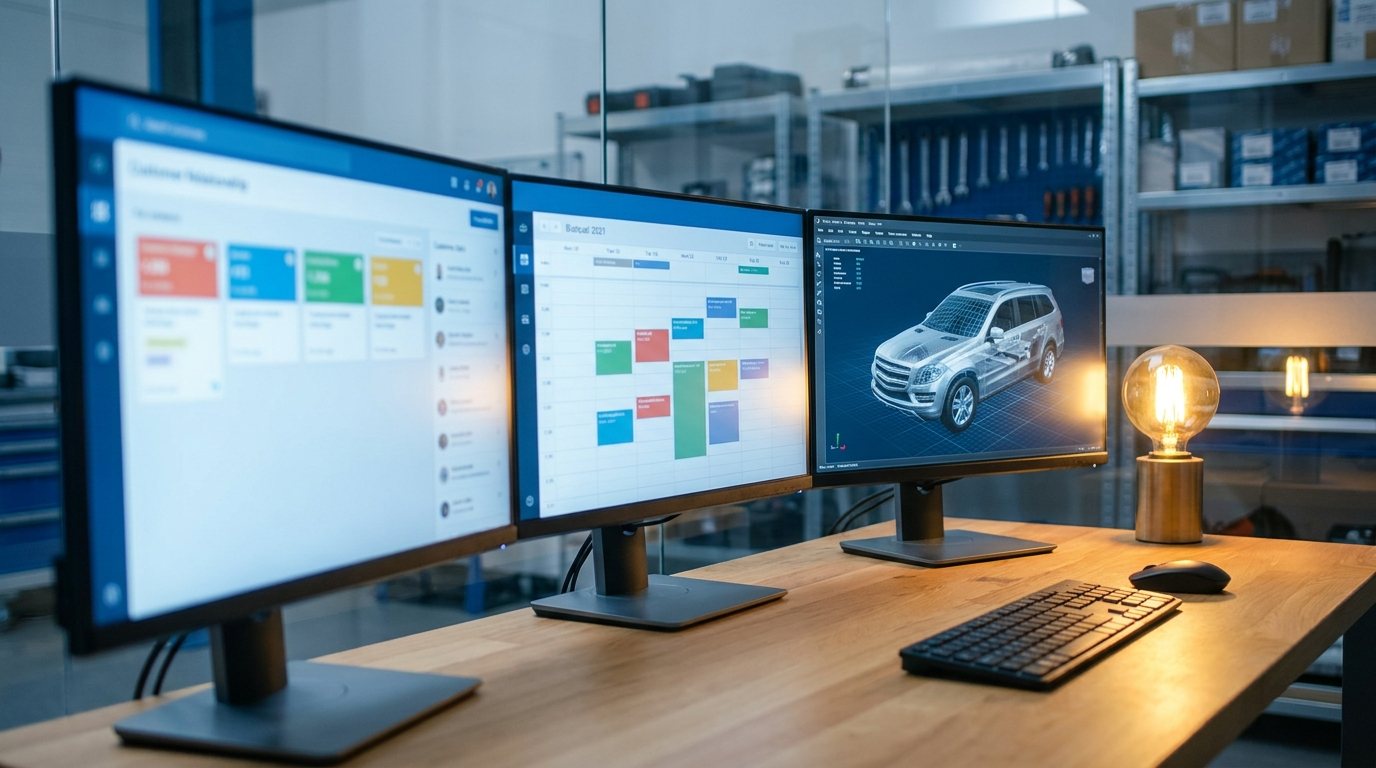
The single tool that moves close rates more than anything else on this list. A configurator (the on-screen tool that renders your customer's specific car in candidate finishes) turns a swatch-binder consultation into a confident decision in 30 seconds. We make one, Zeno, but use whatever works.
What to look for: photoreal rendering, 1,000+ vehicles, the material brands your shop actually carries, side-by-side comparisons, a tablet-friendly UI. Budget $100-$300 per month.
The CRM (customer relationship management)
The tool that tracks every lead from first inquiry to handoff. Without one, customers fall through the cracks. With one, you can answer “who do we owe a quote to right now” in five seconds.
Most wrap shops do fine with general-purpose CRMs (HubSpot Free, Pipedrive starter tier, monday.com). A few use shop-management platforms built for the trade. Budget $0-$100 per month.
The quoting tool
Either a spreadsheet template (free, manual) or a quoting feature inside the CRM. The key is consistency: every quote walks through Material + Labor + Overhead + Margin in the same way. See the pricing post for the formula.
Customers buy faster from quotes that feel structured. Structured quotes come from quoting tools, not from your gut.
Layer 2: Operations
Scheduling
Calendly, Acuity, or whatever your CRM offers. Customers book installation appointments themselves; you stop playing phone tag. Budget $0-$30 per month.
Work orders and spec sheets
The document the installer reads to know exactly what to install where. Best-case: it auto-generates from the configurator (here's the approved render, here's the panel breakdown, here's the material list).
If your configurator doesn't generate spec sheets, fall back to a Notion / Google Doc template. The format matters less than the discipline of doing it the same way every time.
Photo and file management
Every install generates 30-50 photos. After 18 months of shop life, that's 5,000-10,000 photos. Without a system, you can't find anything.
What works: a cloud drive (Google Drive, Dropbox) with a folder per customer, named by date and license plate. Inside each folder: intake photos, process photos, finished photos. Budget $10-30 per month for storage.
Customer photos are your portfolio, your marketing pipeline, and your defense in any dispute. Treat them like assets.
Layer 3: Production
Cutting software and plotter
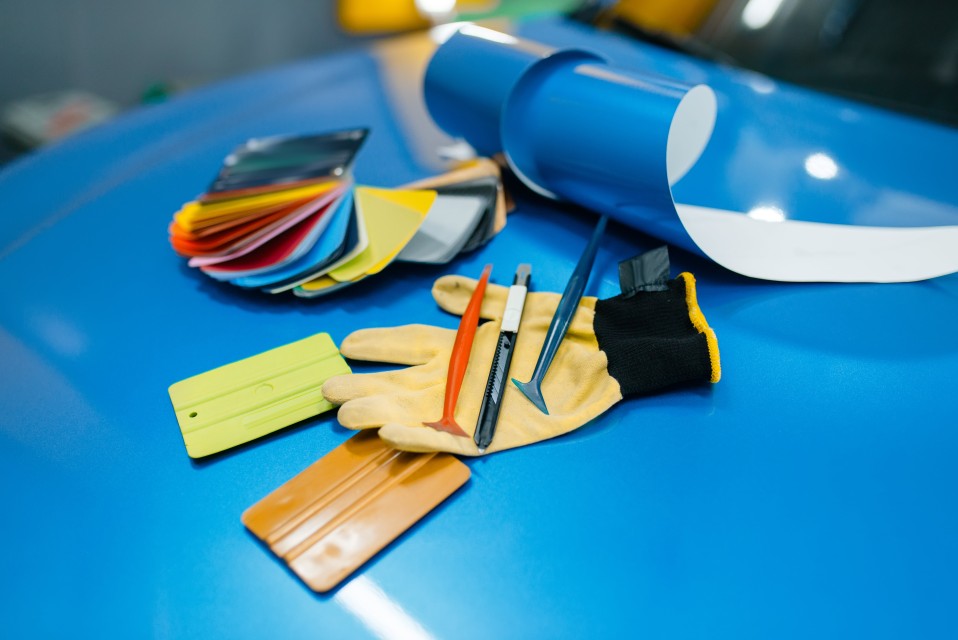
A plotter is the desktop-sized machine that pre-cuts vinyl panels from digital templates. The software (KnifePrint, FlexiPRINT, the plotter manufacturer's bundled software, or Adobe Illustrator for custom design) sends the cut files to the plotter.
For full-vehicle wraps, you'll occasionally cut custom shapes (badges, accents, livery designs). For most installs, you're cutting from pre-made digital templates of common cars. Budget $0-$80/month for software, $2,500-$10,000+ one-time for the plotter.
Design (when you do custom work)
Adobe Illustrator (~$25/month) or Figma (free for individuals) is the standard. Some shops use Canva for simpler logo and accent work. If you do printed wraps or fleet liveries, you need real design software.
Color profiles and printer calibration (if you print your own)
Most small shops don't print in-house, they outsource to print partners. If you do print, ICC color profiles (the calibration files that ensure printed color matches digital color) become essential. Skip this section if you don't print.
The production stack is where most shops over-spend on tools they barely use. Buy what your weekly workflow actually needs.
Layer 4: Finance
Invoicing and payments
Square, Stripe, or QuickBooks Payments. Customers tap their card or pay online; the funds hit your business account. Modern customers expect contactless and online options; cash and check still work but skew toward older buyers.
Budget: 2.6-3.5% of transaction value (the processor's cut). For a shop doing $300k/year in revenue, that's $8k-10k a year in processing fees. Real money, but worth it for the friction reduction.
Accounting
QuickBooks, Xero, or Wave. Pick one. Use it. The shops that fail to track expenses in real-time inevitably get a surprise at tax season.
If you can afford a bookkeeper ($200-400/month for a few hours of work), get one. It's the single highest-leverage non-shop spend most owners can make.
Sales tax and compliance
Depends on your jurisdiction. In the US, every state has different rules; some accounting tools (QuickBooks, Xero) handle sales-tax filings, others don't. Solve this before you get burned.
Bad bookkeeping doesn't kill shops fast. It kills them slowly, six months after they should have noticed.
Layer 5: Marketing
Website
Webflow, Squarespace, Wix, or WordPress. Doesn't matter which; matters that it loads fast on mobile and shows recent work. Budget $20-50 per month.
Google Business Profile
Free. The single most leveraged thing in your stack for local search. See the online-presence post for the cadence.
Social media tools
You can post natively (free, time-intensive) or use a scheduler (Buffer, Later, Metricool) to batch-post. Most shops doing it well are spending 30-60 minutes a week, not 6 hours.
Email marketing
Optional but underused. A monthly newsletter to past customers and quote-but-didn't-book leads keeps the shop top-of-mind. Mailchimp or ConvertKit, $0-30/month.
Review collection
Some CRMs do this; otherwise a simple SMS template at 30 days after install. Birdeye, Podium, or Trustpilot for bigger shops. For most: a personalized text from the owner converts 5x better than a templated email.
Marketing tools quietly do the work nobody has time to. The shops still hand-cranking everything in year three are the ones being outpaced.
What to skip
Categories that get oversold to shop owners:
- Industry-specific shop-management platforms that bundle 12 features but do each one worse than the standalone tool. Pay for one good tool, not five mediocre ones.
- Custom-built quoting calculators. A spreadsheet does the job for 95% of shops.
- AI-powered everything that doesn't actually save you time. Most 2026 AI features are still adding more clicks, not removing them.
- Inventory management software, until you have 3+ installers and real warehouse complexity.
- Anything that costs more than $300/month and replaces something you could do in a spreadsheet.
The realistic monthly budget
For a single-installer wrap shop, a healthy monthly software bill looks something like:
- Configurator (Pro tier): $144
- CRM + scheduling: $30-60
- Cutting software: $0-40
- Adobe Illustrator: $25
- Invoicing/payments (Stripe): pay-per-transaction
- Accounting (QuickBooks): $35
- Website (Webflow): $25
- Cloud storage: $10
- Email marketing: $15
- Total: roughly $285-350/month
That's about $4,000/year. Against $200-400k in annual revenue, software is 1-2% of revenue. The shops that try to run on free tools to save $200/month consistently lose $2,000/month in operational drag.
How to phase the buildout
If you're not running everything above yet, prioritize in this order:
- Configurator (closes more jobs at higher prices, fastest payback)
- Accounting (you needed this yesterday)
- CRM (stops leads from falling through cracks)
- Scheduling + payments (customer experience win, low effort to add)
- Marketing tools (review collection, social scheduler)
- Everything else, as the shop grows
Building this stack from zero takes about a weekend if you're focused. The hardest part isn't picking the tools, it's committing to use them consistently for 90 days.
A tool you bought but don't open is a Spotify subscription. A tool you use every day pays itself back ten times over.