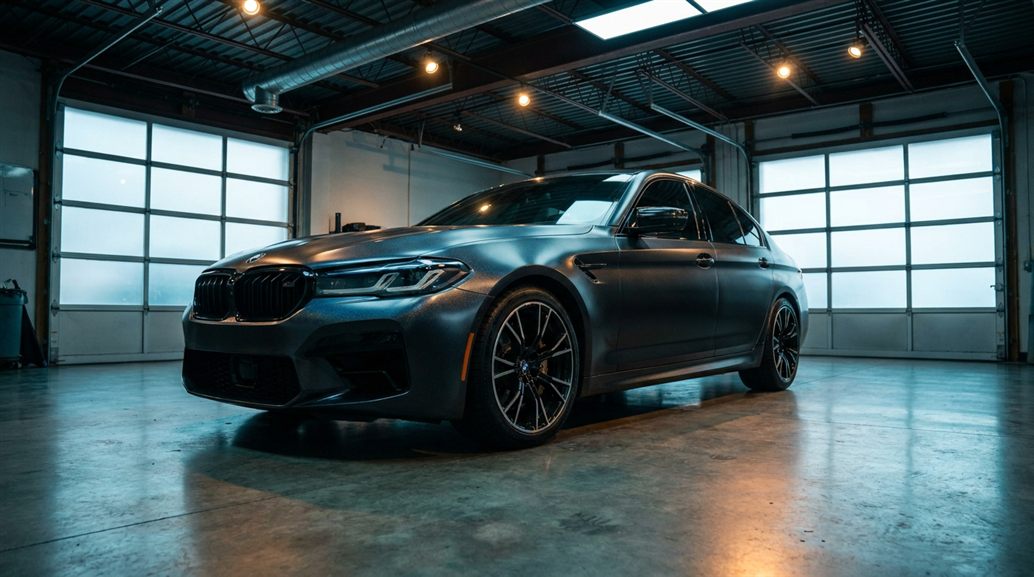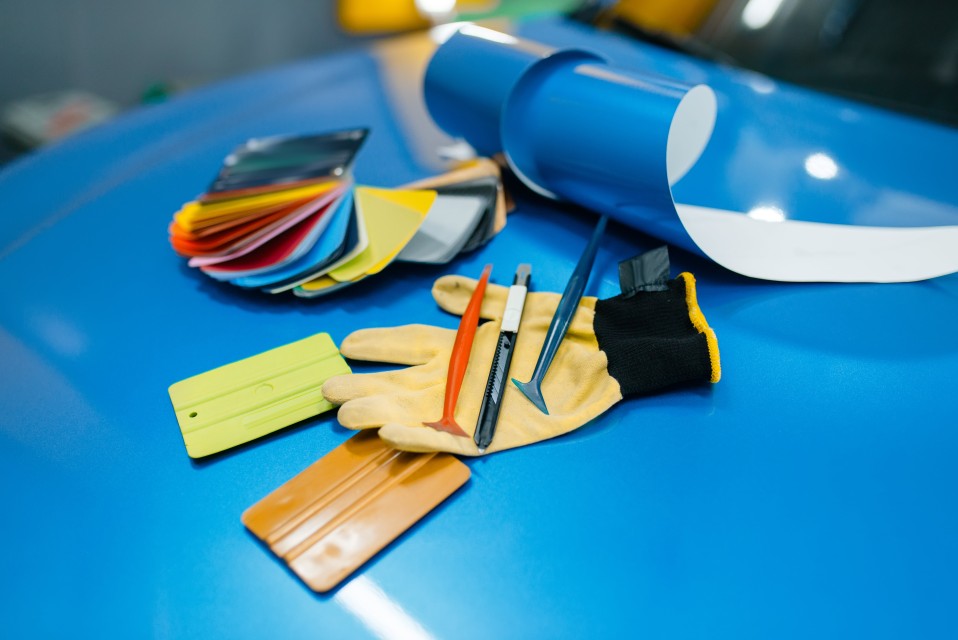
The brief came in two sentences. Avery Dennison wanted customers to see their own car in any Avery film, anywhere in the world, in a browser. No app, no shop visit, photoreal.
At the time, what they were asking for didn't quite exist yet. The path to shipping it took longer than the answer suggests. This is the inside story.
The brief
Avery's marketing and product teams wanted three things, in order of priority:
- Photoreal quality. Not “close to photo.” Indistinguishable from a film hero shot when a customer looks at it on their phone.
- The full Avery catalog, every product, every finish, every color, ready on day one.
- Embedded directly into Avery's website, no app, no separate domain, no learning curve.
What they didn't say but implied: this had to feel like Avery, not like a third-party tool with their logo bolted on. The visualizer had to inherit Avery's design language, their lighting, their color culture.
The full read is at the Avery case study; this post is the maker's-side telling of the same project.
A great brand build doesn't feel like a tool with a logo stuck on it. The customer can't tell where the brand ends and the third-party tool begins.
The first technical question
Photoreal in-browser had been mostly impossible until very recently. Two paths to the goal:
Path A: pre-rendered tile system
Stitch together pre-rendered images. Every vehicle, every angle, every color, every finish, rendered offline in V-Ray or Arnold, then served to the browser as tiles. Pros: visually perfect. Cons: combinatorial explosion of files (a single vehicle with full color/finish coverage = tens of thousands of tiles), no real-time interaction.
Path B: real-time WebGL/Unreal pipeline
Render in real time in the browser using Unreal Engine streaming to a web client. Pros: real-time interaction, infinite combinations. Cons: at the time we started, the visual quality bar wasn't quite there yet.
We picked path B, knowing that the quality gap was closing fast. Unreal Engine 4 at the time was very close to photoreal for static lighting. By the time we shipped, Unreal Engine 5 had crossed the threshold.
The vehicle library problem
Avery's customers drive everything. A Toyota Hilux in Australia. A Mercedes S-Class in Germany. A Toyota Camry in Detroit. The visualizer needed to cover a real cross-section of the global automotive market, not just a few flagship vehicles.
Our solve:
- Author every vehicle in USD (Universal Scene Description, the open 3D interchange format) for tool portability
- Build a tier system: 50 must-have vehicles at the highest fidelity, 200 second-tier at slightly reduced detail, 500+ in the long tail
- Each vehicle authored once, reused across every output (configurator, marketing, AR)
The vehicle library took the better part of 18 months to build out to launch-quality. It's still growing.
The library is the heart of it. Once it exists, every new vehicle ships across every output channel at the same time.
The materials catalog
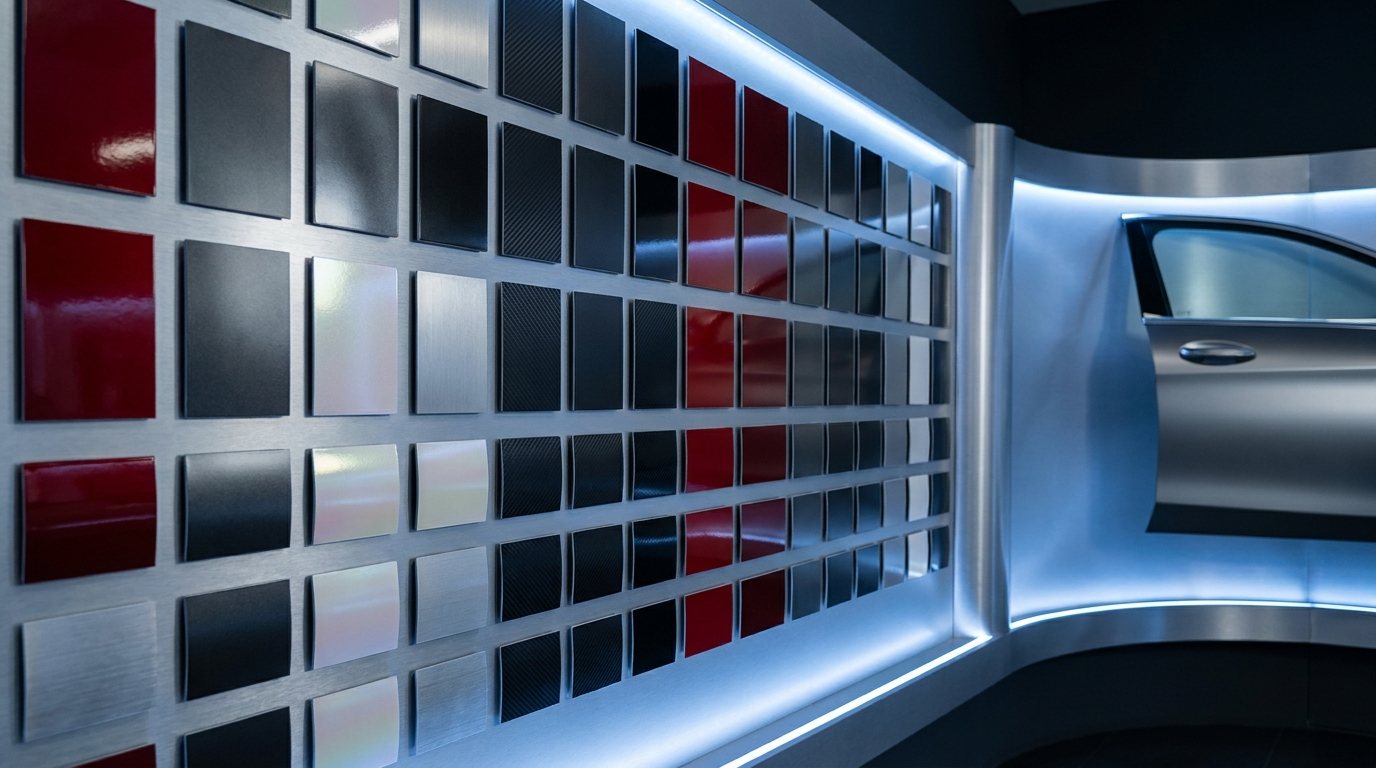
Avery's catalog is enormous: hundreds of colors across multiple product lines (Supreme Wrapping Film, Cast Wrapping Film, Conform Chrome, ColorFlow, Diamond, and more). Each has its own optical properties:
- Base color (sometimes with multi-layer flake or pearl)
- Specular response (how shiny in direct light)
- Anisotropic response (directional reflections for brushed and chrome)
- Iridescence (the angle-dependent color shift on ColorFlow and similar)
- Self-shadow and depth (some pearl flakes have depth that matters at oblique angles)
Each of these required a custom shader (a small program that controls how a material reacts to light in the render engine). We didn't get them right on the first try. ColorFlow specifically took six iteration cycles, with Avery's product team weighing in each round, before the on-screen result matched the physical sample held next to the monitor.
Photoreal materials are not file imports. They're craft, dialed in by hand against physical samples.
The lighting question
The same material looks different under different lights. Avery sells vinyl that's installed in Riyadh, in Reykjavik, and everywhere in between. The visualizer had to look right in every plausible lighting condition.
What we built:
- Multiple lighting presets: outdoor sunny, outdoor overcast, indoor studio, dusk, night with streetlights
- Each preset authored as an HDRI (high-dynamic-range image, a special 360-degree environment map that controls reflections and ambient light) plus configurable sun direction
- A subtle automated transition between presets so the customer can see the same finish at noon vs sunset in a continuous flow
The most important lighting was the “real outdoor sunlight on a clean parking lot” preset. The version a customer would actually park in to look at their wrapped car. We A/B tested that preset against five alternatives and saw notably higher engagement on the realistic-parking-lot version vs studio-style backgrounds.
Customers don't want hero shots. They want what their actual car will look like in their actual driveway.
The embed
The technical part of getting the visualizer into Avery's site was almost anti-climactic. Once the rendering pipeline was solid, the embed was an iframe with a JavaScript message bridge for analytics and customer-state hooks.
The hard part wasn't embedding. The hard part was the design integration. We worked through:
- Avery's typography (we needed it loaded in the visualizer iframe too, for consistency)
- Avery's color palette for the UI chrome around the 3D view
- Avery's voice in the copy: every button label, every product description, every error message
- Avery's accessibility standards (keyboard navigation, screen-reader support, contrast ratios)
The result felt like a tool Avery built, not a tool we built for Avery. That was the bar.
What we got wrong on the first pass
Three things in the launch version we changed within the first 90 days post-launch:
1. Too many product taxonomies up front
We launched with the visualizer organized exactly the way Avery's internal product catalog was organized, by film line and product code. Customers don't think in product codes. We restructured around finish family (gloss, satin, matte, color-shift) with film line as a secondary filter. Engagement jumped.
2. Vehicle selection was too long
The opening flow asked the customer to type their year/make/model. Most customers got it right; some gave up. We added a “pick from a popular cars list” shortcut and a “help me find my car” visual selector. Drop-off at the vehicle step dropped meaningfully.
3. The share function was hidden
We put “share this look” in a secondary menu. After launch, customers asked us how to send the render to their installer. We promoted share to a top-level button. Social referrals from rendered images climbed.
Every launch has its post-launch quarter. Plan for it like part of the project, not like a surprise.
What it enabled downstream
The visualizer was the customer-facing tip of the iceberg. Once we'd authored Avery's full catalog in USD with materials and lighting solved, we had a unified 3D library that supplied:
- The customer visualizer (the original brief)
- Avery's product page imagery (renders of every film on a stock vehicle, generated systematically)
- Trade-show kiosks (the same engine, on a touch screen, on the show floor)
- Sales-team enablement (Avery reps using the visualizer in pitches to OEM customers)
- Marketing campaign assets (renders feeding print and digital campaigns)
One asset library, five very different outputs. Read more on this in the CGI-to-configurator pipeline post.
Building one great visualizer compounded into a brand-wide 3D capability. The visualizer was the door.
What's next
The Avery program is now in its third major iteration since launch. Each version has added:
- More vehicles (we're past 600 in the library now)
- More films (every new Avery product gets added to the library before product launch, so the visualizer ships day-one with the new SKUs)
- Better mobile experience (the original launch was desktop-optimized; mobile is now 60%+ of usage)
- AR mode for in-person consultations (a customer's phone camera plus an Avery sample plus the visualizer makes a powerful in-shop tool)
The roadmap from here is more AI-driven personalization, more catalog depth, and tighter integration with Avery's installer network.
If you're building a brand-side visualization program in this category, the lessons from the Avery build are roughly transferable to other film, paint, and aftermarket brands. The technical playbook is reusable. The brand details are where the craft lives.
Why we wrote this
Customer-facing case studies (like the Avery one) tell what we built. This post is the maker's view: what the build felt like from inside, where we got stuck, what we changed.
The version on /partner is for prospects. This version is for makers thinking about whether to take on a similar project.
A great brand build is a craft project disguised as a software project. The hardest parts are the human ones.