If you have ever browsed a wheel brand's website and wondered “but what would these actually look like on my car?”, you have already found the gap an AI car visualizer fills. The standard product page shows you a wheel on a generic studio background, or maybe on a stock photo of a different car than yours. You stare at it. You try to imagine your own car wearing it. You hesitate. Most people leave the page.
That hesitation is what the category was invented to solve.
The simple version
An AI car visualizer is a tool that lets a shopper see a product on their own real car, in their own real photo, inside the brand's website, without downloading anything.
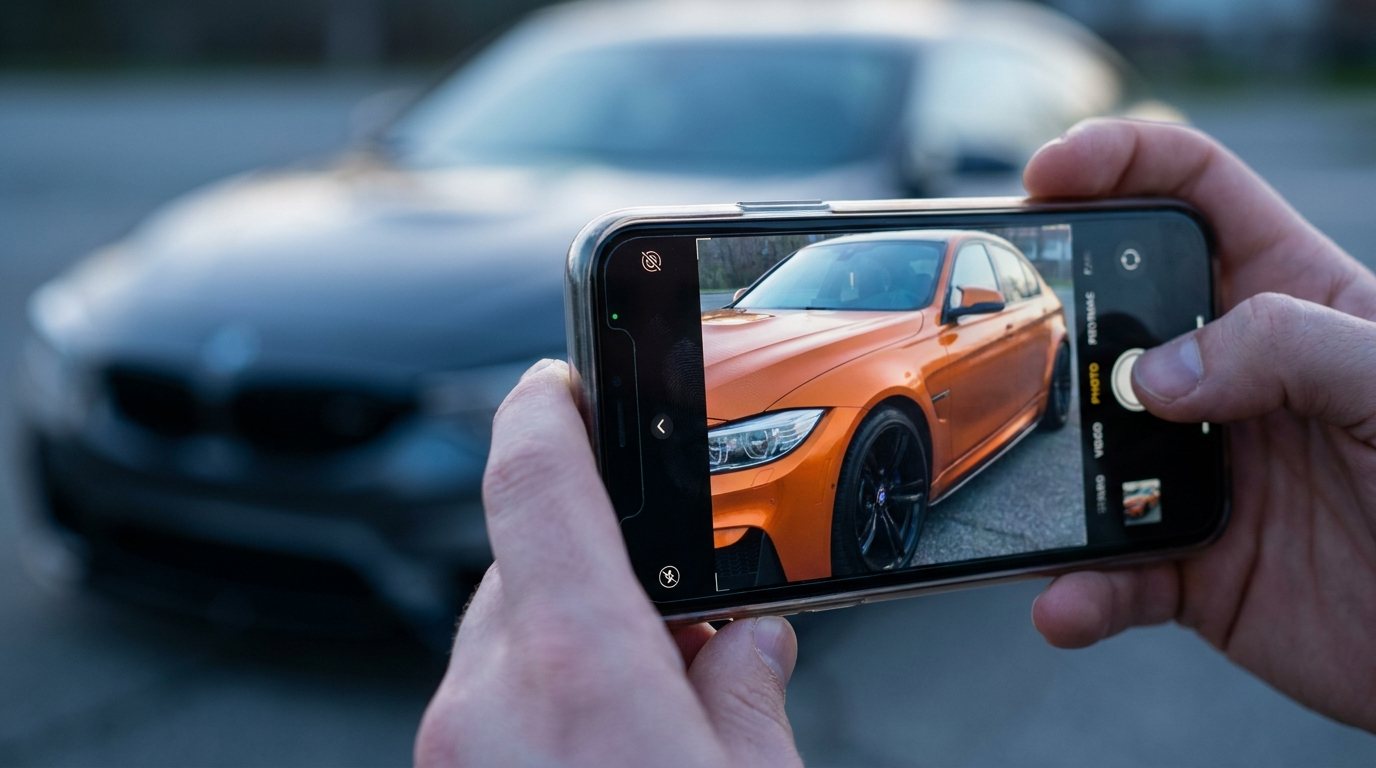
The shopper uploads a photo (or snaps one with their phone), picks a product from the brand's catalog, and the visualizer drops the product into the photo accurately. Not as a sticker. As if it belonged there: matched perspective, matched lighting, matched scale.
The shopper sees their car wearing the thing they're considering, and the decision stops being abstract.
How it actually works under the hood
Without going too deep, the modern version of this tool combines three pieces of technology that only became reliable in the last few years:
- Computer vision: the software identifies what's in the photo, the car, the wheels, the windows, the body, even down to the specific make and model. This used to require careful setup; today it's near-instant on a phone camera shot.
- 3D placement and projection: the software figures out the angle and depth of the car, so when it drops in a wheel or a wrap, the new element matches the perspective of the original photo. A wheel viewed at a 30-degree angle in the photo gets rendered at the same 30-degree angle.
- Photoreal compositing: the software matches the lighting, shadow direction, and reflection cues of the original photo so the inserted product looks like it was actually there. This is the “AI” part most people are thinking of when they hear the name, generative models trained to make the new pixels look like they belong with the old ones.
Earlier generations of visualizers (the ones that have been around since the 2000s) skipped at least one of these steps, which is why the output usually looked like clipart pasted onto a photo.
The combination is what makes the result feel real instead of feeling like a sticker.
What it replaces
The honest comparison is against the three things shoppers have been doing for decades:
- Imagining it. Looking at a product photo on a black background and mentally placing it on the car they own. Most people are bad at this, especially with anything involving color, finish, or texture.
- Asking the forum. Posting on Reddit, an enthusiast forum, or Facebook with “has anyone put these on a 2023 Tacoma?” and waiting for replies. Sometimes useful, often slow, occasionally combative.
- Buying and seeing. Putting down a four-figure deposit, scheduling install, and finding out at handoff whether the choice was right. The most expensive way to test a hypothesis.
The AI car visualizer compresses all three of those into about thirty seconds.
The shopper sees the right answer for them, on their actual car, before anyone takes a deposit.
What's visualizable today
Different products are at different levels of maturity. The current state of the category, roughly:
- Wheels: the most mature use case. Photoreal results, accurate scaling across hundreds of fitments. This is where most brand-side adoption has happened first.
- Vinyl wraps and PPF: paint protection film, the clear film that goes over factory paint to protect it. Both wraps and PPF are visualizable, especially solid colors and standard finishes. Color-shift and chrome finishes (finishes that change appearance with viewing angle) are getting better quickly but are harder.
- Body kits and accessories: bumpers, splitters, spoilers, lift kits. Brand-by-brand. Some catalogs have full 3D coverage; others are still on flat product shots.
- Paint colors and respray: visualizable but rarer in the wild; brands haven't typically sold paint directly to consumers, so the use case is newer.
Who it's actually built for
The visualizer category covers three distinct audiences, and most of the confusion in the market comes from mixing them up:
The shopper
The person buying the wheels or the wrap. They want to know what it'll look like on their car. They don't care about the technology. They care about the answer.
The brand
The manufacturer or seller, a wheel brand, a vinyl film maker, an OEM (original equipment manufacturer, i.e. the actual car company like Ford or BMW), a parts brand. They want fewer returns, higher add-to-cart rates, and shoppers who don't bounce off the product page because they couldn't picture it.
The shop or installer
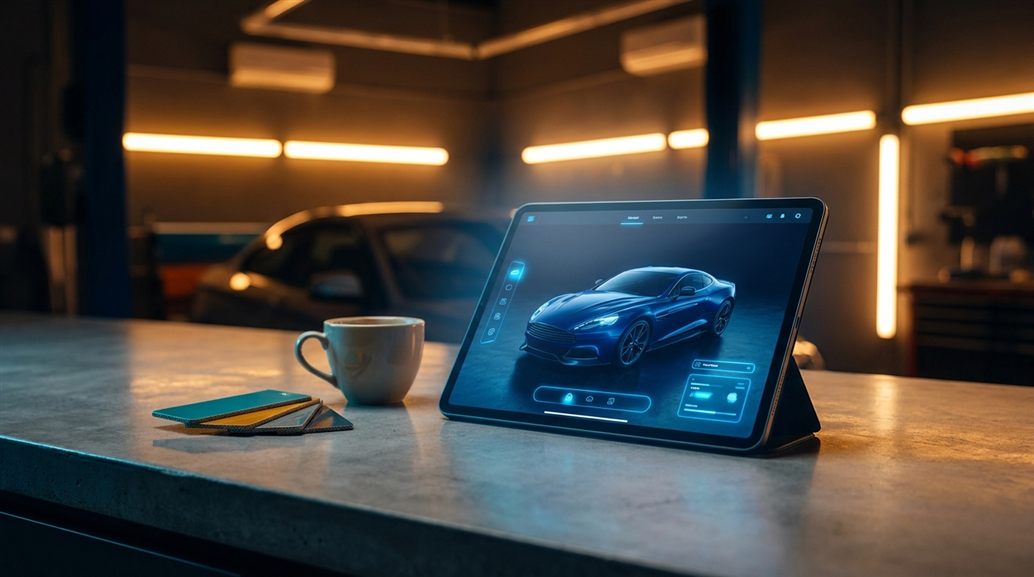
This audience overlaps with shop-side configurators like Zeno, which is technically a related but distinct product. A configurator is built for the shop's consultation room (in-person, used by the shop's staff). A brand visualizer is built for the brand's website (online, used by the end customer directly). The two products often share a tech stack but solve different ends of the journey.
What makes one actually good
A few things separate visualizers that move sales numbers from ones that just look impressive in a demo:
- Speed. If the result takes more than a few seconds, the shopper bounces. Real-time or near-real-time is the bar.
- No setup. The shopper does not want to log in, register, or pose their car a specific way. They want to upload a phone shot and see the answer.
- Realism in the bad cases. Good lighting is easy; the visualizer that handles a half-shadowed parking-garage photo without making the wheels look fake is the one shoppers trust.
- Catalog breadth. The visualizer is only useful if it covers the brand's actual catalog. A demo with three SKUs (stock-keeping units, the brand's product codes) is a marketing exercise. A working visualizer covers hundreds or thousands.
- Native to the brand site. The shopper should never feel like they've left the brand's website. Pop-up windows and third-party redirects break trust and lower conversion.
Why now
The category isn't new, the idea of “see it on your car” has existed since the early-2000s Flash configurators. What's new is that the results are finally good enough that the shopper trusts them.
Three things changed at once:
- Generative AI models hit photoreal quality. Lighting, shadows, and reflections now match the source photo instead of looking pasted.
- Phones got cameras that produce good enough input. The old workflow needed studio lighting; the new one works on a curb shot.
- Web performance caught up. The compute can happen in the cloud, the result streams back to a browser tab. No app store install required.
Until those three landed together, the category was a curiosity. With them, it's becoming the default. Wheel brands are seeing real revenue moves from adding one. Vinyl manufacturers are starting to require their distributors to surface a visualizer at the product-page level. OEMs are planning DTC programs (direct-to-consumer, the brand selling straight to the buyer instead of through a dealer) around them.
The category went from “cool demo” to “part of the buying journey” quietly. The brands that have one are pulling ahead.
Where it's heading
Two changes are already underway in 2026 and worth watching:
- Video, not just stills. The visualizer takes a short clip of the car (a few seconds of orbit) and produces the visualization across all frames. Shoppers see the wheel from every angle, on their car, in motion. This is dramatically more convincing than a static image and is becoming reachable on consumer hardware.
- Mixed catalogs. Today most visualizers handle one product category at a time. The next step is letting a shopper see wheels plus a wrap plus a lift kit, on the same car, in the same scene. The decision stops being four separate purchases and starts being one configured build.
What this means for you
If you're a shopper: the next time you're considering wheels or a wrap and the brand's site offers a visualizer, use it. The five minutes you'll spend uploading a photo and trying the catalog will save you from buyer's remorse on something that costs four figures.
If you're a brand: an AI car visualizer is no longer a nice-to-have. The brands that have one are seeing add-to-cart rates climb and return rates fall. The brands that don't are losing shoppers to the ones that do, especially on mobile, where imagination is hardest and visualization is most valuable.
If you're a shop: your customers are arriving with stronger opinions than they used to. A shopper who already saw the wheels on their car (or the wrap, or the body kit) before walking in is a different kind of customer. How that changes shop operations is its own conversation.
If you haven't tried one recently, the experience is dramatically better than it was even two years ago. xix3D's AI car visualizer is one example.
Whichever you try, the gap between guessing and seeing is now closed.